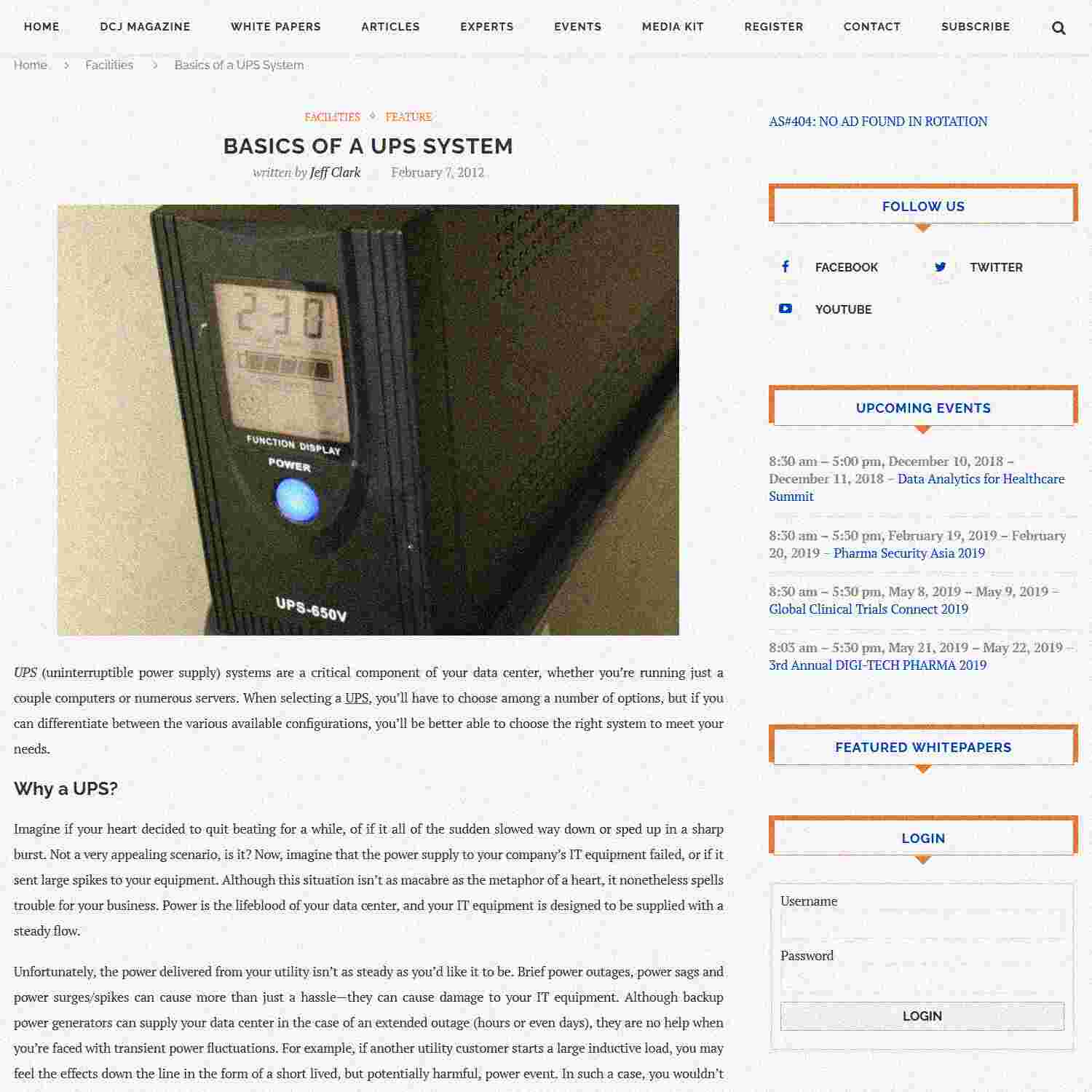
UPS (uninterruptible power supply) systems are a critical component of your data center, whether you’re running just a couple computers or numerous servers. When selecting a UPS, you’ll have to choose among a number of options, but if you can differentiate between the various available configurations, you’ll be better able to choose the right system to meet your needs.
Why a UPS?
Imagine if your heart decided to quit beating for a while, of if it all of the sudden slowed way down or sped up in a sharp burst. Not a very appealing scenario, is it? Now, imagine that the power supply to your company’s IT equipment failed, or if it sent large spikes to your equipment. Although this situation isn’t as macabre as the metaphor of a heart, it nonetheless spells trouble for your business. Power is the lifeblood of your data center, and your IT equipment is designed to be supplied with a steady flow.
Unfortunately, the power delivered from your utility isn’t as steady as you’d like it to be. Brief power outages, power sags and power surges/spikes can cause more than just a hassle—they can cause damage to your IT equipment. Although backup power generators can supply your data center in the case of an extended outage (hours or even days), they are no help when you’re faced with transient power fluctuations. For example, if another utility customer starts a large inductive load, you may feel the effects down the line in the form of a short lived, but potentially harmful, power event. In such a case, you wouldn’t have any warning—let alone time to switch to a backup generator.
To deal with these short-lived power events, a UPS is critical. These systems not only provide temporary backup power for brief outages, but many also provide protection against transient power events like spikes and sags, thereby supplying your equipment with clean, high-quality power. Essentially, a UPS is a power storage device that cleans your power supply or takes over in the event of a power failure, giving you time to switch to your backup generators if the outage is expected to last more than some short period of time (like a minute or two, depending on your UPS’s capacity).
Energy Storage: Battery or Flywheel
UPSs store power either in the form of chemical energy (as in a battery) or energy of motion (as in a flywheel). The case of the battery is familiar: your notebook computer, for instance, can run off standard AC power, all while charging the battery, but if AC power fails or is disconnected, the notebook then switches seamlessly to the battery. A UPS performs a similar function, although it does so as a separate unit rather than being integrated into a computer or server. The UPS’s ability to power your equipment in the event of an outage depends, of course, on how much equipment you’re powering and on the capacity of the battery.
An alternative energy storage approach is the flywheel. The flywheel is a rotating mechanical wheel that stores energy in the form of motion (angular momentum). When an outage occurs, for example, the flywheel’s energy of motion is converted back to electrical energy to supply the equipment (the flywheel then slows as more energy is removed). Some flywheels are heavy and slowly rotating, but some are lighter and run at much higher speeds. Although flywheels generally do not store as much energy as a battery, they do offer some advantages. Processor.com (“UPS Flywheel Technology”) notes, for instance, that the flywheel offers “superior performance without the high cost of ownership and the environmental impacts that lead batteries present.” Furthermore, its “rapid recharging and broad operating temperature range…allow it to be used where batteries cannot operate. The footprint of flywheels is also much smaller and lighter than a battery’s footprint.”
Regardless of the means of energy storage, however, a UPS is essentially a short-term backup power supply, although many also add in power quality improvement features.
What’s in a UPS?
A UPS takes AC power, stores a portion of the energy in the backup battery but otherwise transfers the AC power (possibly after cleaning it up) to the connected equipment. To perform this function, the UPS needs three basic components: a charger/rectifier, a battery (or flywheel apparatus—but the focus here is on the case of a battery) and an inverter. The charger (or rectifier) converts the input AC power to DC for battery charging, and the inverter converts battery power (DC) to AC power during an outage. The configuration of these main components, as well as additional design aspects, determines how the UPS functions.
Types of UPS
UPSs come in several basic varieties, each with its own advantages and disadvantages (such as features, cost and so on). Here are the three main types:
- Standby (offline) UPS. The least expensive variation, the standby UPS charges its battery when main power is active, but it is otherwise inactive until a power outage strikes. When this occurs, the UPS switches to backup battery power, giving the user time to switch to a longer-term backup supply or to properly shut down the connected equipment. This type of UPS doesn’t provide protection from power sags and surges, however, so it isn’t fit for applications where high availability is required or where protection from such power events is otherwise required.
- Line interactive UPS. This type of UPS combines the inverter and charger in the power supply line for both the main AC power and the backup battery power. This configuration limits transient events when switching and also speeds the changeover from main power to battery power in the event of an outage. A line interactive UPS thus provides more protection than a standby UPS, but it is also more expensive.
- Double conversion (online) UPS. This variation provides the most protection from outages and power quality problems. Instead of switching from main power to backup (battery) power as needed, this UPS simply converts all AC power to DC. Some of the DC power charges the battery, and the rest is converted back to AC to power the connected equipment. This double conversion process essentially prevents any power event from reaching the equipment, thus yielding the greatest protection level. In addition to being the most expensive option, however, double conversion UPSs also decrease operating efficiency owing to the conversion of AC to DC and then back to AC during normal operation. Some power is always lost in this process; the other UPS types, on the other hand, essentially feed AC power directly (possibly with some filtering) to equipment when main power is functioning, avoiding the inefficiencies of power conversion. Furthermore, double conversion UPS systems also operate at higher temperatures, increasing the cooling load in a data center, for example.
If you’re just running a single machine, say in a SOHO situation, then a standby UPS might just fit the bill. But for corporate data centers, where downtime is unacceptable and expensive equipment must be protected from power quality problems, standby and even line interactive UPSs are insufficient. In these situations, some form of double conversion is crucial.
UPS systems are a critical part of a data center’s power infrastructure. Although they do cannot keep a facility running during a long outage, they provide the short-term protection necessary to avoid damage to equipment and to give the facility manager time to activate diesel backup generators if needed. Although this article only provides basic details of how UPSs operate, it serves as a jumping off point if you’re investigating a particular solution for your data center.
Author contact
Photo courtesy of DeclanTM.
Related Posts :
About Jeff Clark
Jeff Clark is editor for the Data Center Journal. He holds a bachelor’s degree in physics from the University of Richmond as well as master’s and doctorate degrees in electrical engineering from Virginia Tech.


Great article, I especially liked the heart analogy. I’ve never heard that but rings so true.
Also if you need a UPS Maintenance Provider Jantech Services works all on all major manufactures.
http://www.jantechups.com/services/ups-maintenance-agreements.aspx